

A clinic website shaped around reassurance and safe next steps

Make the next step clear without pretending to diagnose.

Start with the questions visitors already ask. We help explain the clinic's scope, protect sensitive information and keep urgent care separate.

Limited input is welcomeHuman QA stays visibleEvery decision has a record
A clinician at the fictional Sawasdee Vision Clinic listening to an adult visitor in a bright consultation room
Fictional demonstrationSawasdee Vision ClinicClear guidance. Careful next steps.
Customer message

“My vision has been blurry for a week. Can I book an appointment tomorrow?”

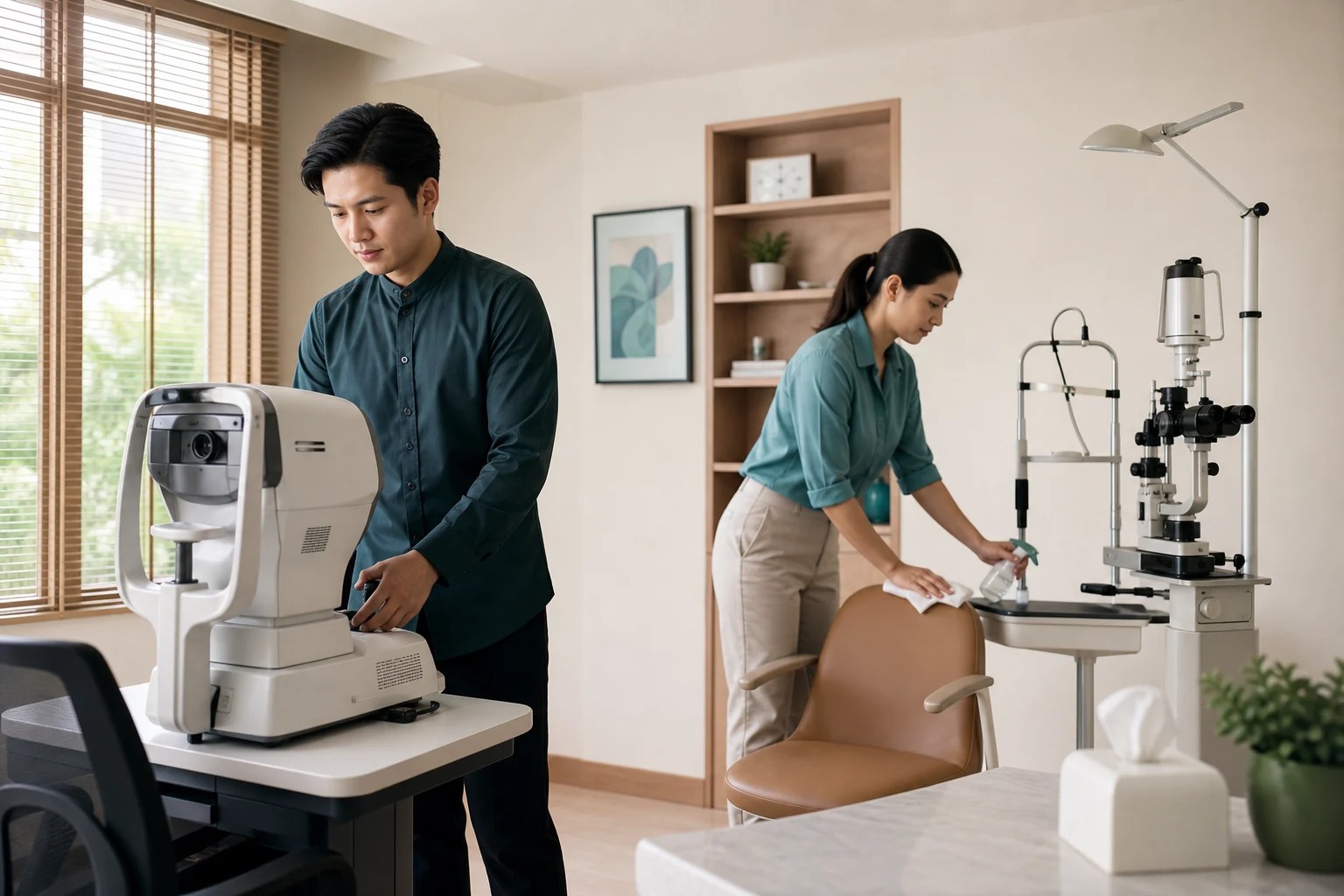
The fictional Sawasdee Vision Clinic team preparing a clean eye examination room before opening
Fictional demonstration

Meet Sawasdee Vision Clinic

A real business idea can begin in one sentence.

“We are a small eye clinic. People usually message us to ask whether we can check a symptom, whether a doctor is available and what they should prepare before coming.”

People can message the clinic, but they may not know whether it is the right place, what to prepare or when a website form is not appropriate.

Find the safe job of the clinic website

Separate a useful clinic entrance from diagnosis, emergency care and patient-record systems, then ask only what staff need to respond.

“We are a small eye clinic. People usually message us to ask whether we can check a symptom, whether a doctor is available and what they should prepare before coming.”
Explain the clinic's non-emergency service scope in plain languageHelp visitors decide whether an appointment request is the right next stepCollect only enough context and contact information for staff to respondKeep urgent-care guidance separate from ordinary appointment enquiries
Explain non-emergency services and collect only enough context for staff to confirm the next step.

What we actually need from you

You do not need to write a website brief or design the pages yourself.

Start with what you have
  1. 1Tell us what you know
  2. 2Choose and correct what you see
  3. 3Approve the version that feels right